Contractor File Upload Portal for Home Inspectors
Stop chasing subcontractors for radon reports, sewer scope videos, and mold results. Send a secure upload link. Contractors upload files without creating an account. Documents auto-attach to the inspection record. No more email attachments lost in your inbox.
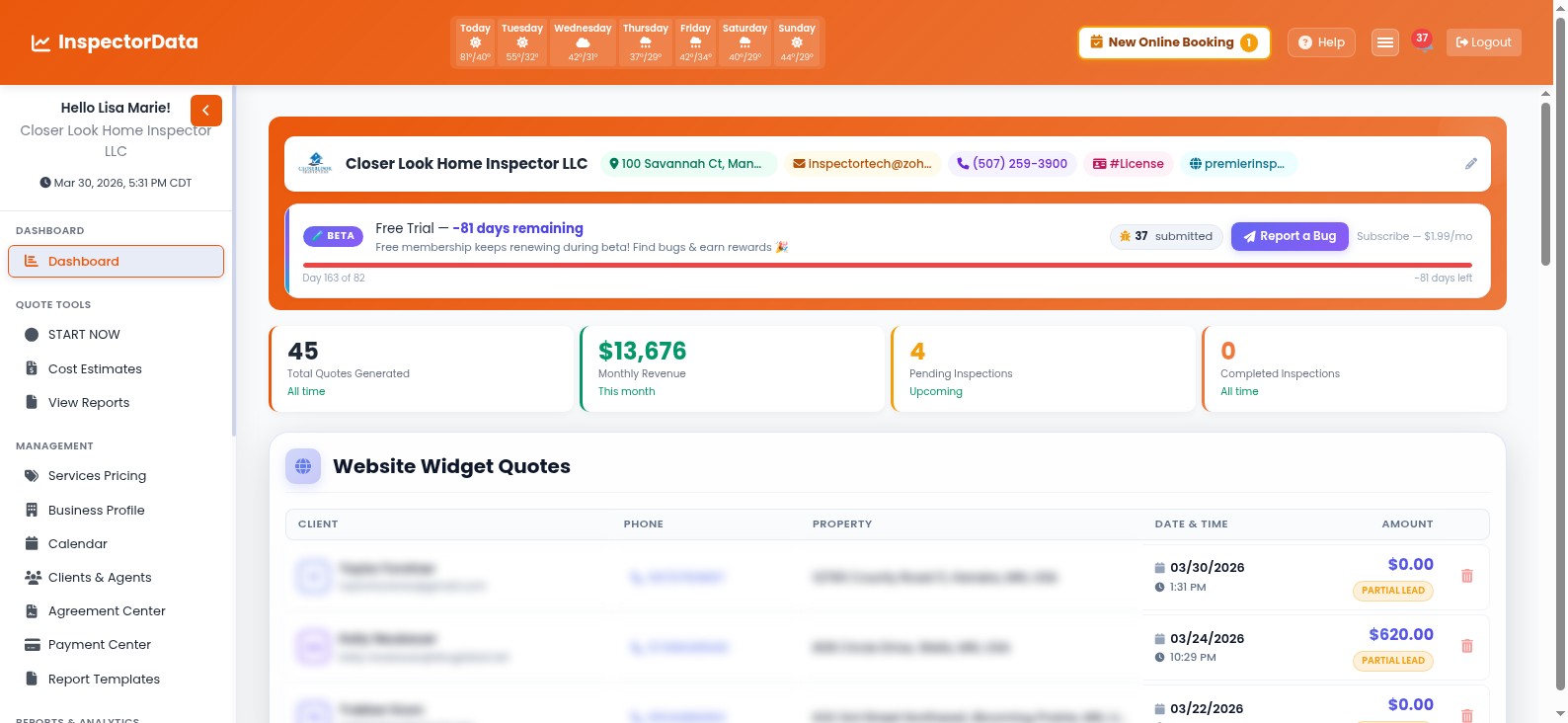 Secure Upload
Collecting Contractor Files Should Not Be This Painful
You ordered the radon test three days ago. Where is the report?
Buried in Email Attachments
Radon results in one email thread, sewer scope video in another, mold report forwarded three times. You spend more time searching your inbox than reviewing the actual files.
Chasing Subcontractors
The closing is tomorrow and your radon tester has not sent the report yet. Another voicemail, another text. You are the bottleneck because your contractor missed the deadline.
Manual File Organization
Download from email. Rename. Upload to your system. Attach to the right job. Every file from every contractor requires the same tedious manual workflow every single time.
How the Contractor File Upload Portal Works
Four steps. Zero friction. Files go straight to the inspection record.
Inspector Requests Files
From any inspection record on your dashboard, click Request Files, enter the contractor's email and a note describing what you need. The system generates a unique secure upload link.
Contractor Gets the Link
The contractor receives an email with a branded upload page link. No account creation, no login, no app to install. They click the link and land on a clean drag-and-drop upload page.
Files Uploaded Securely
The contractor drags and drops their radon report PDF, sewer scope video, mold lab results, or any other documents. Files upload over encrypted HTTPS with progress tracking.
Auto-Attached to the Job
Files are automatically linked to the correct inspection record. You get an email notification. Open your dashboard and the documents are already there, organized and ready to include in the report.
Enterprise-Grade Security Without the Complexity
Your clients trust you with access to their homes. Subcontractors trust you with their reports. The contractor file upload portal uses the same security standards that protect financial institutions, adapted for the practical needs of home inspection file management.
- Token-Based Access - Every upload link contains a unique cryptographic token. Contractors can only upload to the specific job the token was created for. No browsing, no access to other records.
- No Account Required - Contractors never create credentials on your system. No passwords to manage, no accounts to provision, no security surface to worry about.
- Expiring Links - Upload links automatically expire after a configurable time period. Once expired, the link is permanently deactivated and cannot be reused.
- Encrypted Transfers - All file uploads are transmitted over TLS-encrypted HTTPS connections. Files are stored in your tenant-isolated storage, completely separated from other inspection companies.
- Audit Trail - Every upload is logged with the contractor's name, IP address, timestamp, and file details. You always know exactly who uploaded what and when.
Why Inspection Companies Switch to a Contractor Document Portal
Stop juggling emails, texts, and shared drives. One system for all subcontractor file sharing.
No More Email Attachments
Radon reports, sewer scope videos, and mold results stop flooding your email inbox. Every file goes straight to the inspection record where it belongs.
Automatic Organization
Uploaded files are automatically linked to the correct inspection, labeled with the contractor name, and timestamped. No renaming, no manual filing, no mistakes.
Real-Time Status Tracking
See at a glance which file requests are pending, which are complete, and which links have expired. Get notified the moment a contractor finishes uploading.
Zero Contractor Friction
Contractors click one link and upload. No accounts, no apps, no training. The simpler the process, the faster you get your files back.
Any File Type Supported
PDFs, videos, images, lab reports, spreadsheets. Whether it is a 2-page radon summary or a 45-minute sewer scope video, the portal handles it.
Resend or Regenerate Links
Contractor lost the email? Resend with one click. Link expired before they uploaded? Generate a fresh one instantly. You stay in control.
Built for Every Subcontractor Report You Collect
Home inspectors regularly coordinate with specialized subcontractors. The contractor file upload portal eliminates the back-and-forth for every type of ancillary report you order, keeping your inspection report file sharing workflow clean and professional.
- Radon Testing Reports - Radon testers upload their continuous radon monitor results or charcoal canister lab reports directly to the inspection file.
- Sewer Scope Inspection Videos - Plumbers and sewer scope specialists upload video recordings and written findings through the portal without sending large attachments.
- Mold and Air Quality Lab Results - Environmental testing labs upload spore count results, air quality assessments, and remediation recommendations.
- Termite and Pest Inspections - WDI/WDO inspectors upload their Wood Destroying Insect reports, treatment records, and warranty documents.
- Well Water and Septic Reports - Water quality labs and septic inspectors upload test results, compliance certificates, and system evaluations.
Contractor Portal vs. Email Attachments
See why inspection companies are ditching the inbox for secure file sharing.
| Workflow Step | Email Attachments | InspectorData Portal |
|---|---|---|
| Request files from contractor | Write a custom email | One-click from dashboard |
| Contractor uploads | Reply with attachment | Drag-and-drop, no login |
| File size limits | 25 MB (videos rejected) | Large files supported |
| Attach to inspection record | Download, rename, re-upload | Automatic |
| Track pending files | Search inbox manually | Dashboard status board |
| Security | Unencrypted email | Token-based, encrypted, expiring |
Built by a Certified Master Inspector
We know the subcontractor coordination headache firsthand because we have lived it for over a decade. The contractor file upload portal was designed by an inspector who got tired of chasing radon testers and sewer scope companies for their reports. Every feature solves a real problem we experienced in the field.
Stop Chasing Contractors for Their Files
Send a link. Get the files. It is that simple. Free 30-day trial.
Frequently Asked Questions
How does the contractor file upload portal work for home inspectors?
From your InspectorData dashboard, click Request Files on any inspection record, enter the contractor's email, and the system generates a unique token-based upload link. The contractor clicks the link, uploads their radon report, sewer scope video, mold results, or other documents without creating an account. Files are automatically attached to the correct inspection record and you receive an email notification when the upload is complete.