When someone types "home inspector near me" or "home inspector [your city]" into Google, they get two types of results: the Google Maps pack (3 local businesses with reviews and ratings) and the organic search results below it. Inspectors who appear in the Maps pack get the vast majority of clicks. This guide tells you exactly how to get there — and how to dominate your city's organic results at the same time.
How Local Search Works for Home Inspectors
Google's local search results are determined by three primary factors:
- Relevance: Does your business match what the searcher is looking for? (Do you do home inspections in that city?)
- Distance: How close is your business to the searcher or the searched location?
- Prominence: How well-known and trusted is your business? This is where reviews, citations, and website authority come in.
The Google Maps pack — the 3 businesses shown on a map at the top of local search results — gets approximately 44% of all local search clicks. The #1 organic result below the maps pack gets another 28%. If you're not in the top 4 results total, you're largely invisible in your market.
The good news: most inspection businesses in most markets have done almost no local SEO work. The bar to rank well is lower than in other industries. An inspector who spends 3-4 hours per month on the tactics in this guide will outrank most competitors within 90-180 days.
Google Business Profile: Your #1 Priority
Google Business Profile (GBP) is the free tool that controls your appearance in Google Maps and local search. If you haven't claimed and optimized yours, do it today before reading anything else in this guide.
Complete Your Profile 100%
- Business name: Use your actual business name — not keyword-stuffed (no "Best Home Inspector Dallas John Smith")
- Category: "Home Inspector" as primary, add "Building Inspector" as secondary
- Address: Use your actual business address if you have one. If you work from home, use a service area listing instead.
- Service area: Add every city and zip code you serve. Don't just list your home city.
- Phone: Use a local area code if possible — local numbers perform slightly better in local searches
- Website: Link to your website's homepage or a location-specific landing page
- Hours: Fill these in accurately. Update them for holidays.
- Services: List every service you offer — home inspection, radon testing, mold inspection, sewer scope, thermal imaging
- Photos: Add at least 15-20 photos. Include: your vehicle/logo, yourself at work, your equipment, inspection scenarios. Update quarterly.
Post to Google Business Profile Weekly
GBP allows you to post updates, offers, and news — similar to a social media post. These posts improve your profile's activity signals and give Google more content to index. Post once per week with an inspection tip, a finding from the week, or a seasonal checklist.
Enable Booking Links
GBP allows you to add a booking link directly to your profile. When InspectorData's online booking is active, clients can book directly from your Google listing — zero friction between search and booking.
Local Keywords That Drive Inspection Bookings
Local keywords follow predictable patterns. Here are the highest-converting search terms for inspectors, organized by intent:
| Keyword Pattern | Example | Search Intent | Conversion Rate |
|---|---|---|---|
| "home inspector [city]" | home inspector Austin | Ready to hire | Very High |
| "home inspection [city]" | home inspection Denver | Ready to hire | Very High |
| "best home inspector [city]" | best home inspector Atlanta | Comparison shopping | High |
| "home inspector near me" | (location-based) | Ready to hire | Very High |
| "home inspection cost [city]" | home inspection cost Chicago | Research phase | Medium |
| "[neighborhood] home inspector" | Buckhead home inspector | Ready to hire | High |
How to use these keywords: Include them naturally in your website's homepage title tag, H1, meta description, and body copy. Create separate location pages for each major city or neighborhood you serve. Don't stuff — use them where they fit naturally.
On-Page SEO for Your Inspector Website
Your website sends signals to Google about what you do and where. Here's the minimum viable on-page SEO for an inspector website:
- Title tag: "Home Inspector in [City] | [Your Business Name]" — on your homepage
- H1: "Professional Home Inspection Services in [City, State]"
- Meta description: Include your city, your specialty, and a call to action. 150-160 characters.
- NAP consistency: Your Name, Address, and Phone number must be identical everywhere online — your website, GBP, Yelp, Angi, etc. Any discrepancy hurts your local rankings.
- Service pages: Create separate pages for each major service: home inspection, radon testing, mold inspection, sewer scope. Each page targets specific keywords.
- Location pages: If you serve multiple cities, create a page for each: "Home Inspector in [City2]", "Home Inspector in [City3]", etc.
Building Local Citations
A citation is any online mention of your business name, address, and phone number (NAP). Citations from authoritative directories signal to Google that your business is legitimate and established.
Priority citation sources for home inspectors:
- InterNACHI Find-an-Inspector directory
- ASHI inspector directory (if you're a member)
- Yelp Business
- Angi (formerly Angie's List)
- HomeAdvisor
- Thumbtack
- Better Business Bureau
- Apple Maps (claim via Apple Business Connect)
- Bing Places for Business
- Your local Chamber of Commerce directory
Build these over 2-3 months rather than all at once. Consistency of your NAP information across all platforms is more important than the number of citations.
How Reviews Impact Your Local Rankings
Google reviews are one of the strongest signals for local pack rankings. More reviews = higher ranking. Better average rating = higher ranking. Recent reviews = higher ranking.
The review acceleration system:
- Send a review request email automatically within 24 hours of report delivery
- Include a direct link to your Google review page (not just the search result — the actual review submission URL)
- Follow up once 7 days later if no review received
- Target: 5+ new reviews per month. At that rate, you'll have 60+ reviews within a year — enough to dominate most local markets.
Inspectors with 50+ Google reviews and a 4.8+ average rating consistently outrank competitors with fewer reviews regardless of other factors. This is one of the highest-ROI activities in inspection marketing.
Content That Ranks Locally
Blog content targeting local search terms can drive significant organic traffic. Examples of high-converting local content:
- "Home Inspection in [City]: What to Expect and How Much It Costs"
- "Top 5 Issues Found in [City] Homes During Inspection"
- "[Neighborhood] Home Inspector — What Local Buyers Need to Know"
- "Best Home Inspector in [City] — How to Choose"
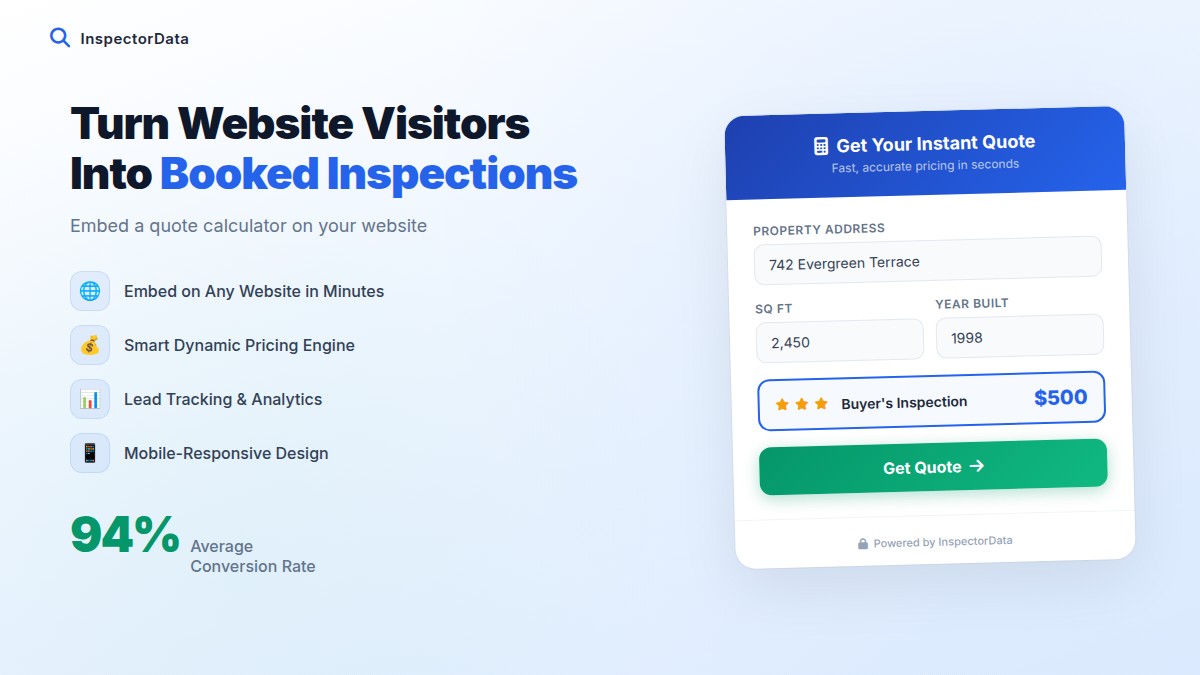
Each of these pages can rank for city-specific searches and drive ready-to-book clients directly to your website. Pair them with an instant quote calculator and online booking — like InspectorData provides — and you convert that organic traffic into actual bookings.
Common Local SEO Mistakes Home Inspectors Make
- Keyword stuffing their business name on GBP ("Best Home Inspector Dallas TX John Smith LLC") — Google penalizes this
- Inconsistent NAP across directories (phone number on website is different from GBP)
- No photos on GBP — profiles with no photos get significantly fewer clicks
- Not responding to reviews — both positive and negative reviews deserve a response
- One-page websites with no service-specific or location-specific pages
- Not claiming Apple Maps — a significant portion of iPhone users search there, not Google
- Ignoring Bing Places — 20%+ of desktop searches are Bing
FAQ: Local SEO for Home Inspectors
How long does local SEO take to work?
Most inspectors see meaningful improvement in local rankings within 60-30 days of consistent effort. Getting into the Google Maps pack typically takes 3-6 months. Organic rankings for competitive keywords can take 6-12 months.
Do I need a website to rank locally?
You can rank in the Google Maps pack without a website (using GBP alone), but having a website significantly improves your ranking potential and gives you a place to send traffic. A simple, well-optimized website is worth the investment.
How many Google reviews do I need to rank in the Maps pack?
It varies by market. In smaller cities, 15-25 reviews may be enough to rank well. In major metros, you may need 50-100+. Research your local competitors' review counts to benchmark what you need.
Can I rank in cities where I don't have an address?
Yes — Google allows service area businesses to rank in the cities they serve even without a physical address there. Set up your service area correctly in GBP and create location-specific pages on your website for each city.
Turn Local Search Traffic Into Booked Inspections
Ranking locally is only half the battle — you also need a way to convert those visitors into bookings. InspectorData's instant quote calculator and online booking system turns your Google traffic into revenue, 24 hours a day. Try it free for 30 days.
Try InspectorData Free for 30 Days