When a homebuyer searches for a home inspector in your city, the first thing they see is Google — and the first thing they check is the review count and star rating. An inspector with 12 reviews and a 4.8 average loses to an inspector with 95 reviews and a 4.9 average. The service quality might be identical. The reviews decide who gets the booking.
Why Reviews Are the #1 Conversion Factor for Inspectors
Home inspection is a trust purchase. Buyers are inviting a stranger into one of the largest financial transactions of their lives. They're not choosing you based on your logo or tagline — they're choosing you based on social proof that others trusted you and were satisfied.
| Review Count | Booking Conversion Rate (Est.) | Annual Bookings at 1,000 Monthly Website Visitors |
|---|---|---|
| 0 – 10 reviews | 3 – 5% | 360 – 600 |
| 11 – 30 reviews | 5 – 8% | 600 – 960 |
| 31 – 75 reviews | 8 – 12% | 960 – 1,440 |
| 76 – 150 reviews | 12 – 18% | 1,440 – 2,160 |
| 150+ reviews | 15 – 25% | 1,800 – 3,000 |
Reviews also directly affect local SEO. Google uses review count and recency as ranking signals for local search results. More recent reviews = higher rankings = more web traffic = more bookings. Reviews compound: the more you have, the higher you rank, the more traffic you get, the more chances you have to earn more reviews.
Google Business Profile Setup (If You Haven't Already)
Before you can get reviews, your Google Business Profile (GBP) must be fully set up and verified. Critical elements:
- Business name: Use your actual business name (not keyword-stuffed)
- Primary category: "Home Inspector" or "Building Inspector"
- Service area: Add all cities/zip codes you serve
- Phone number: Use your main business number consistently
- Website: Link to your homepage or booking page
- Business hours: Keep accurate — clients check before calling
- Photos: Add 10+ photos of you at work, your equipment, sample reports
- Services list: Add every service you offer (radon, sewer scope, etc.)
See the complete local SEO guide for home inspectors for the full GBP optimization checklist.
The Review Request System (Automated)
The key insight is this: clients who had a great experience with your inspection will almost never leave a review unprompted. They mean to, they forget, life gets in the way. A well-timed, personal-feeling automated request converts 30–45% of happy clients into reviewers.
The System (Step by Step)
| Step | Timing | Action |
|---|---|---|
| 1 | At inspection | Do an exceptional job (obvious, but critical) |
| 2 | Same day | Deliver report — mention you value their feedback |
| 3 | 24 hours after report | Send automated review request email with direct link |
| 4 | 72 hours if no review | Send one follow-up (different wording, text message) |
| 5 | Weekly | Respond to all new reviews within 24 hours |
Timing: When to Ask Makes All the Difference
The biggest mistake inspectors make is asking for a review at the wrong moment. Common wrong moments:
- During the inspection: Client is distracted, anxious, taking notes
- Immediately after: Client hasn't processed the experience yet
- A week later: Client has moved on, enthusiasm has faded
The right moment: 18–28 hours after report delivery. At this point, the client has received the report, read through it, discussed it with their agent or partner, and formed a clear opinion. Their experience is fully processed and emotional. This is when review requests convert at the highest rate.
Review Request Templates That Actually Work
Email Template (Primary)
Subject: Your inspection report + a quick favor
Hi [Client Name],
Thanks again for trusting [Your Company] for your inspection at [Property Address]. I hope the report gave you exactly the information you needed.
If you have 60 seconds, I'd be really grateful if you could leave a Google review — it makes a huge difference for a small local business like mine and helps other buyers find a trusted inspector when they need one.
[DIRECT GOOGLE REVIEW LINK]
Thanks so much,
[Your Name]
Text Template (Follow-Up)
Hi [Client Name] — [Your Name] from [Company] here. Just wanted to check in — hope the inspection worked out well for you. If you have a moment, a Google review means the world to small businesses like mine: [SHORT LINK]. Thanks!
Critical elements that increase conversion:
- Direct link to your review page (no hunting required)
- Keep it short — under 100 words for texts, under 150 words for emails
- Personal tone — not corporate or transactional
- One clear call to action only
- Don't offer incentives (violates Google's terms of service)
Responding to Reviews — All of Them
Respond to every review within 24 hours. This matters for three reasons:
- Google ranking signal: Active profile engagement improves local search rankings
- Converts future clients: People reading your reviews also read your responses — it demonstrates professionalism
- Shows you care: Clients who see responses are more likely to leave detailed, positive reviews
Response Template for Positive Reviews
"Thank you so much [Name]! It was a pleasure inspecting [address/property type]. Congratulations on your purchase — and please don't hesitate to reach out if you ever have questions about anything in the report. We appreciate you taking the time to share your experience!"
Handling Negative Reviews
Negative reviews happen to every inspector. How you handle them matters more than the review itself. Potential clients who see a well-handled negative review trust you more, not less — because they know how you respond when things go wrong.
The 3-Step Response Formula
| Step | What to Do | What to Avoid |
|---|---|---|
| 1. Acknowledge | "Thank you for your feedback..." | Never argue or be defensive |
| 2. Empathize | "I understand this wasn't the experience you expected..." | Don't make excuses |
| 3. Offer resolution | "Please contact me directly so we can make this right." | Don't promise specific outcomes publicly |
If the negative review is factually incorrect, you can briefly and professionally state the facts — but keep it short, professional, and solution-focused. Never write more than 3 sentences in a negative review response.
Automate Your Entire Review System
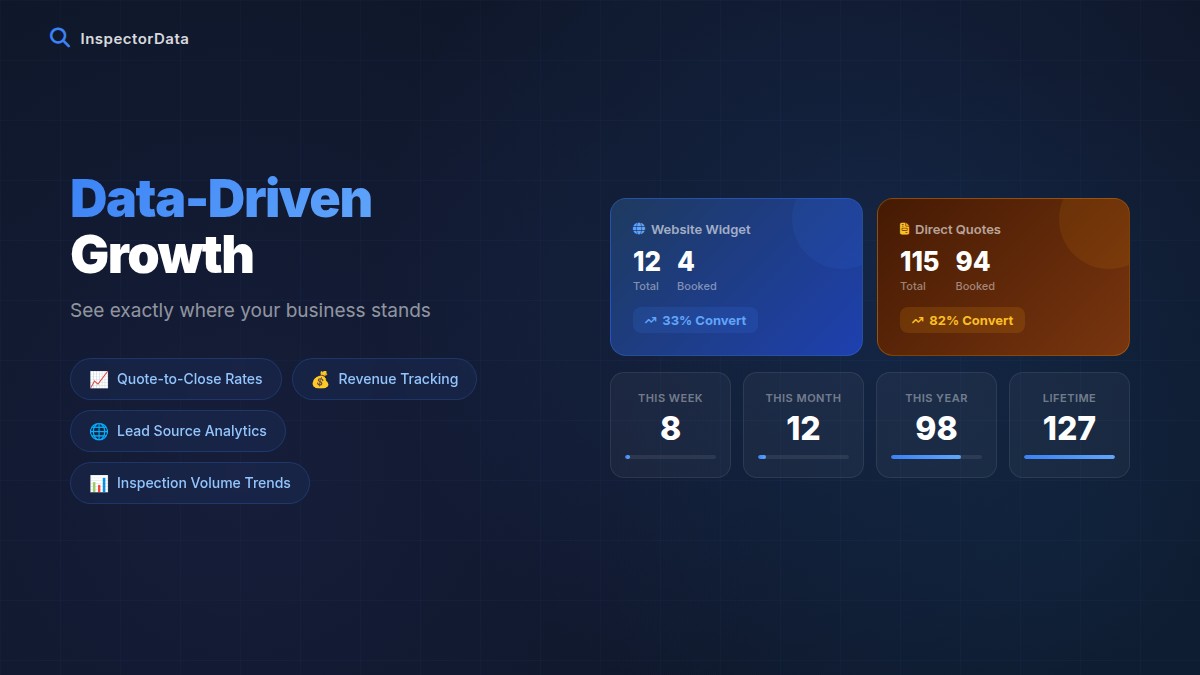
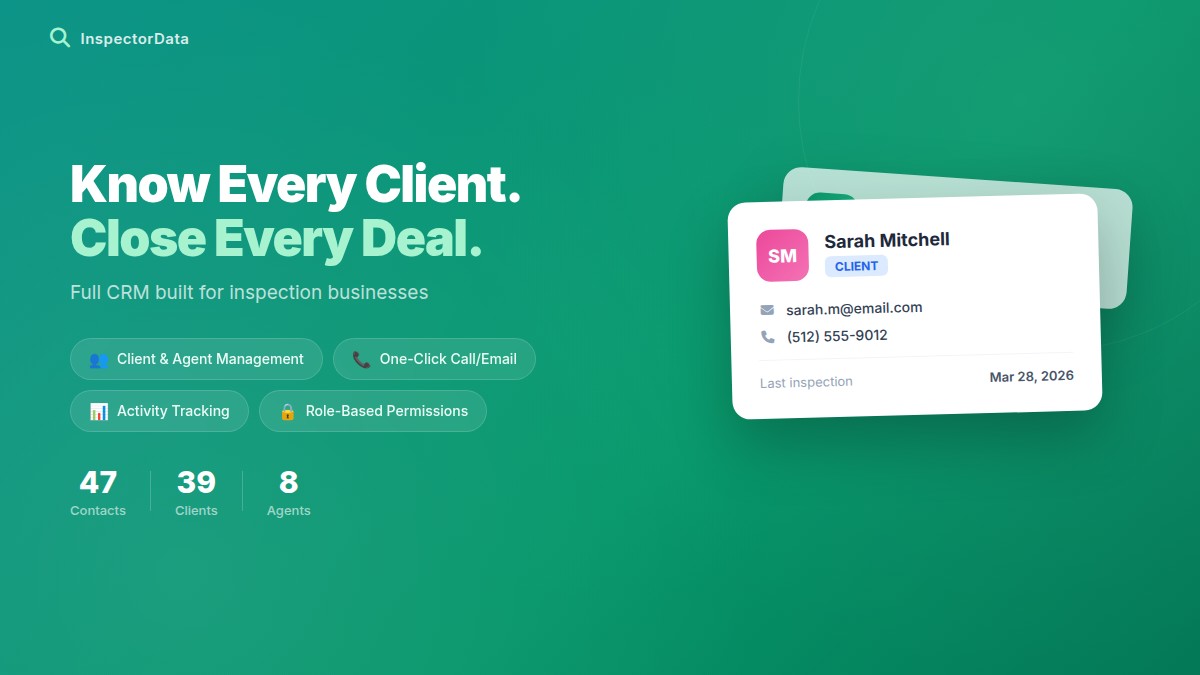
InspectorData automatically sends personalized review request emails 24 hours after every report delivery, tracks which clients have reviewed, and gives you a direct link to your Google Business Profile. Set it up once, collect reviews forever. Try it free for 30 days.
Try InspectorData Free for 30 Days