The average solo home inspector spends 2-3 hours per day on tasks that have nothing to do with actually inspecting homes — phone calls, quote requests, emailing reports, chasing payments, manually sending reminders. That's 500-750 hours per year of administrative overhead. This guide shows you exactly what to automate, how to automate it, and what the time savings translate to in real dollars.
The Real Cost of Manual Processes
Every manual task has a hidden cost beyond just the time it takes:
- Phone tag for bookings: Every missed call is a potential booking that goes to a competitor. 40% of booking attempts happen outside business hours — if you require a phone call, you're losing those clients.
- Manual quote creation: Every 30 minutes spent writing a quote is a 30-minute delay in the client's booking decision. Delay reduces conversion rates significantly.
- Manual report emailing: If you're manually attaching and sending PDFs, you're wasting 5-10 minutes per inspection — and creating opportunities for errors (wrong file, wrong email address).
- Chasing invoices: The average inspector spends 45+ minutes per month following up on unpaid invoices. Automated payment collection eliminates this entirely.
Automation #1 — Online Booking
Online booking is the highest-impact automation for most inspection businesses. It eliminates phone tag, captures after-hours demand, and reduces the friction between "client wants an inspection" and "inspection is booked."
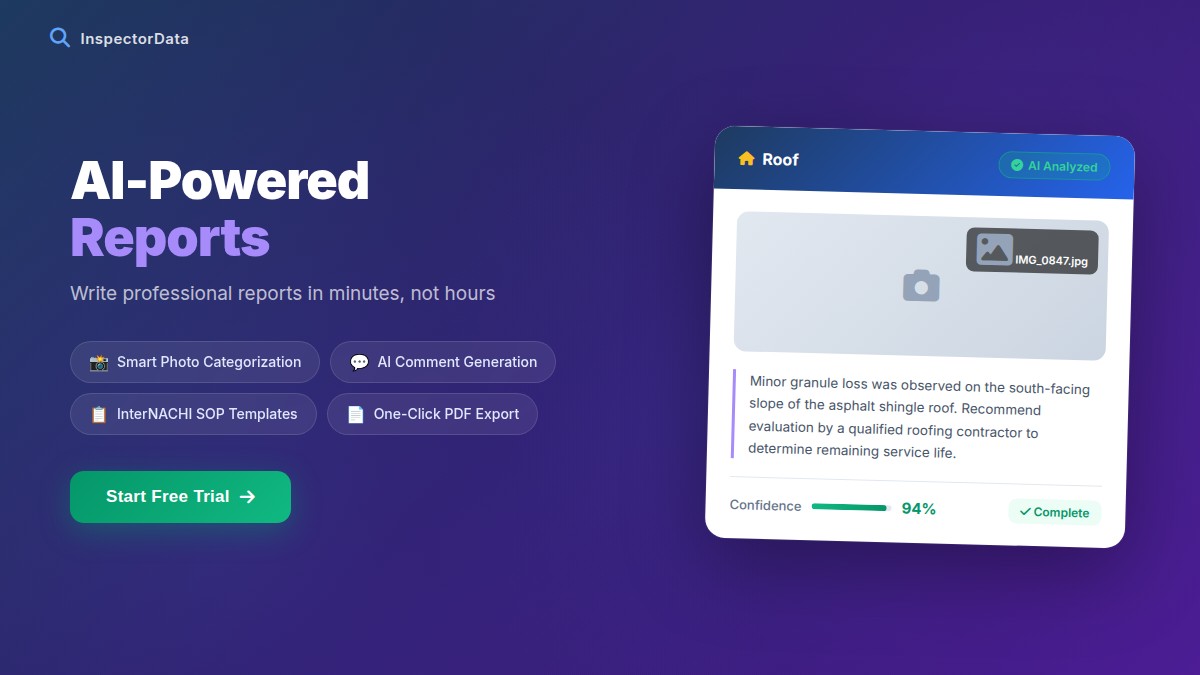
What it does:
- Shows your real-time calendar availability
- Lets clients book 24/7 without a phone call
- Collects property address, client info, and service preferences automatically
- Sends immediate booking confirmation to client and inspector
- Blocks calendar time to prevent double-booking
Revenue impact: Inspectors who add online booking report 15-25% more bookings within the first 30 days — primarily from after-hours and weekend demand that was previously lost.
InspectorData's booking system integrates directly with your calendar and service menu. When a client books a home inspection and adds radon testing, the system captures both, calculates the fee, and gets the slot on your calendar — all automatically.
Automation #2 — Instant Quote Delivery
Clients who request a quote and receive it within minutes convert at dramatically higher rates than clients who wait hours or days for a callback. Automated instant quoting is one of the highest-ROI changes you can make.
How it works: Client enters property address and square footage → system calculates fee based on your pricing rules → professional quote PDF delivered instantly via email.
What this replaces: Phone calls to discuss pricing, manual quote emails, back-and-forth about what services to include.
The psychological reality: a client who gets an instant, professional quote is far more likely to book than one who waits. The booking decision happens in a window — usually within 24 hours of the initial search. Every hour of delay shrinks the probability they book with you.
Automation #3 — Appointment Reminders
No-shows cost the average inspector $400-$800 per incident — the lost fee plus the blocked time slot. A simple 3-touch reminder sequence virtually eliminates them:
- Immediate confirmation: Email/text when booking is made. Includes date, time, address, what to expect, and how to reach you.
- 48-hour reminder: Brief reminder with all appointment details. Include the inspection checklist for what the client should prepare.
- Day-of reminder: Morning text on the day of the inspection with your ETA and contact number.
All three of these should go out automatically — you shouldn't have to think about them. Set them up once and they run for every inspection, forever.
Automation #4 — Report Delivery
Your report delivery process should require zero manual steps. The moment you finalize a report in your software, it should be sent automatically to the client (and agent if applicable) with a professional cover email and a link to view online or download PDF.
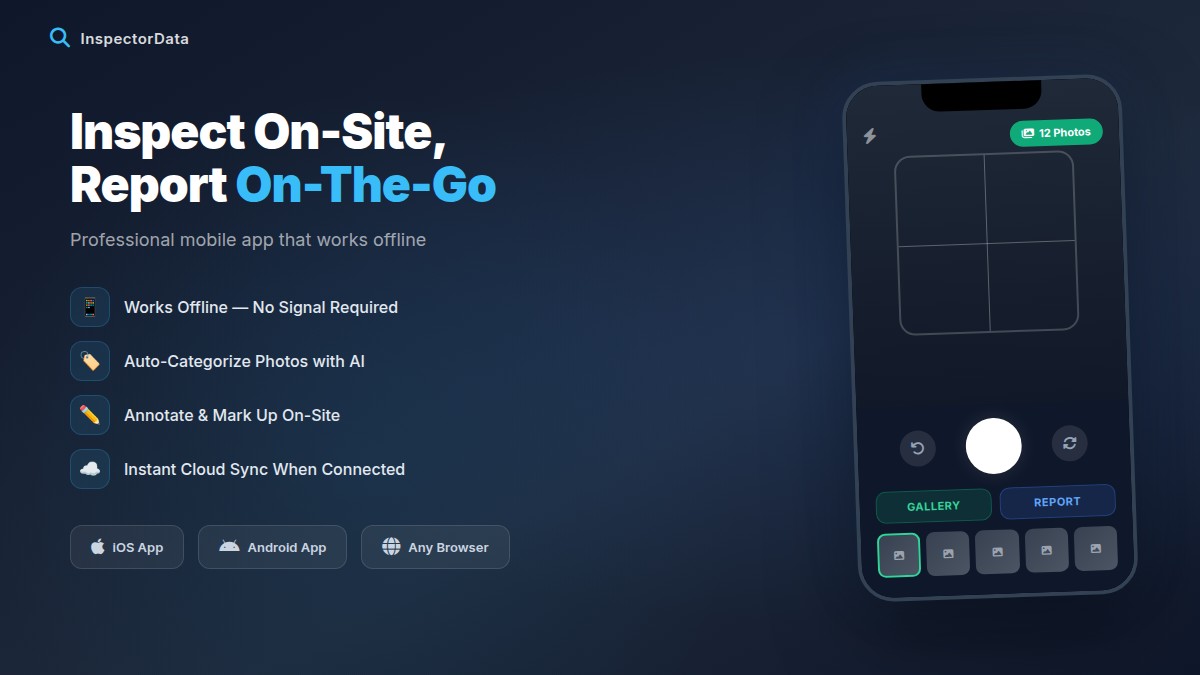
Manual report delivery (attaching PDFs to emails, manually typing client email addresses) creates opportunities for errors and delays. Automated delivery means every client gets their report the same way, every time, with no extra work on your end. Combined with faster report writing, automated delivery means clients routinely get same-day reports with minimal effort from you.
Automation #5 — Post-Inspection Follow-Up
What happens after you deliver the report? In most inspection businesses: nothing. The client relationship ends at report delivery.
A three-touch post-inspection automation changes this:
- 24 hours post-delivery: "We hope your report was helpful. Do you have any questions about what we found? [Review request link]"
- 7 days post-delivery: "Just checking in — hoping the buying process is going smoothly. If you have questions about any inspection findings, I'm happy to talk through them." [Another gentle review ask if no review yet]
- 1-year anniversary: "Happy one year! Here's a seasonal maintenance checklist for your home. Know anyone buying or selling? I'd love the referral."
This sequence takes zero time per client after the initial setup — and it generates reviews, referrals, and goodwill consistently throughout the year.
Automation #6 — Invoice and Payment Collection
Chasing payments is one of the most demoralizing tasks in any service business. Automated payment collection eliminates it completely.
How to implement:
- Require a credit card to hold the booking slot
- Send an invoice automatically at the time of booking or day of inspection
- Accept online payment via link — no manual processing required
- Send automatic payment receipts
When payment is automated, you spend zero time on invoicing, zero time chasing payments, and zero time on awkward "did you get my invoice?" conversations. InspectorData's payment processing handles all of this — Stripe-powered, professional, and fully automated.
What You Cannot (and Should Not) Automate
Automation is powerful, but not everything should be automated:
- The inspection itself: There's no substitute for a thorough, in-person inspection by a trained professional.
- Agent relationship building: The in-person coffee, the office visit, the thank-you note — these personal touches cannot be automated and are what build the relationships that sustain your business.
- Responding to concerned clients: When a client calls worried about a finding, they need a human response. Automate the routine; handle the complex personally.
- Quality of work: Templates speed up reports but the judgment calls, the photo selections, the critical observations — those are yours.
FAQ: Automating Your Home Inspection Business
How much does inspection automation software cost?
All-in-one inspection business platforms like InspectorData typically cost $50-$100/month. Given the time savings (2+ hours/day) and additional bookings captured, the ROI is typically 10-20x the monthly cost.
Do I need to be tech-savvy to automate my business?
No. Modern inspection software is designed for field professionals, not software engineers. If you can use a smartphone, you can use InspectorData's mobile app for inspectors. Setup typically takes less than an hour.
Will automated emails feel impersonal to clients?
Only if they're written poorly. Automated emails that are warm, personal in tone, and genuinely useful feel professional — not robotic. The content matters more than whether it was triggered automatically.
What's the first automation I should implement?
Online booking. It has the most immediate impact on revenue because it captures after-hours demand and eliminates phone tag. Start there, then add quote automation and report delivery in the same platform.
All 6 Automations in One Platform
InspectorData handles online booking, instant quotes, automated report delivery, post-inspection follow-up, and payment collection — all in one platform built specifically for home inspectors. Set it up once and let it run. Try it free for 30 days.
Try InspectorData Free for 30 Days