- 1 Why This Comparison Matters for Solo Inspectors
- 2 Pricing: InspectorData vs Spectora
- 3 Report Writing: Speed and Flexibility
- 4 Mobile App: On-Site Experience
- 5 Client Booking and Scheduling
- 6 Service Agreements and Digital Signatures
- 7 Photo Management and Auto-Categorization
- 8 Public API and Website Integration
- 9 Customer Support
- 10 Who Should Choose Spectora and Who Should Choose InspectorData
If you're a solo home inspector trying to decide between InspectorData and Spectora, you've probably already spent too much time on demo calls and feature comparison pages that don't answer the questions you actually care about. This comparison cuts through the noise. Both platforms are built for professional home inspectors, but they make very different tradeoffs — and those tradeoffs hit differently depending on whether you're running a one-person operation or a growing multi-inspector firm.
This article was written for working inspectors, not software reviewers. We're comparing real pricing, real workflows, and the features that actually matter when you're on-site at 7am with a client standing behind you.
Why This Comparison Matters for Solo Inspectors
Solo inspectors have a fundamentally different cost structure than multi-inspector firms. Every dollar you spend on software is a dollar that comes directly out of your margin — not pooled across five technicians. When Spectora costs $149/month and you're doing 15 inspections a month, that's roughly $10 per inspection just for software. At scale, that's tolerable. When you're building a client base, it stings.
Beyond price, solo operators care about different things. You need a system that works when you're the only person in the field, the only one answering the phone, and the only one processing payments. You don't need enterprise scheduling logic for a team you don't have. You need a tool that moves as fast as you do.
InspectorData was built by a Certified Master Inspector with over 11 years of experience and 2,750+ inspections completed. That background shows in how the software is designed — it reflects the actual pace and pressure of field inspection work, not a product manager's assumption about what inspectors need.
Pricing: InspectorData vs Spectora
Let's start with the number everyone wants to know.
| Platform | Starting Price | Free Trial | Contract Required |
|---|---|---|---|
| InspectorData | $79/month (introductory) | Yes | No |
| Spectora | ~$99–$149/month | Yes | No |
Spectora's pricing varies depending on which tier you're on. Their base plan starts around $99/month, but inspectors who want full feature access — including things like online scheduling and advanced integrations — typically land on plans closer to $149/month. InspectorData's introductory pricing sits at $79/month with access to the full platform, including features that are paywalled or add-on costs on competing platforms.
| Spectora line item (2026) | What it costs |
|---|---|
| Base — solo inspector (unlimited inspections) | $109/mo ($1,090/yr) |
| Each additional inspector | +$99/mo ($999/yr) each |
| Spectora Advanced (AI/automation add-on) | +$4 per published inspection (optional) |
| Credit-card "Technology Fee" on client invoices | 3.95% added to the client's total |
| Spectora Website product | $699/yr + $499 setup (Base) · $1,599/yr + $799 setup (Pro) |
For a true solo inspector who never touches the add-ons, Spectora's $109/month is honestly competitive. The math turns against it the moment you add a second inspector. A five-person shop runs roughly $109 + 4×$99 = ~$505/month (~$6,060/year) before a single AI feature or website is switched on. That per-seat "tax" is the single biggest structural difference between the two platforms.
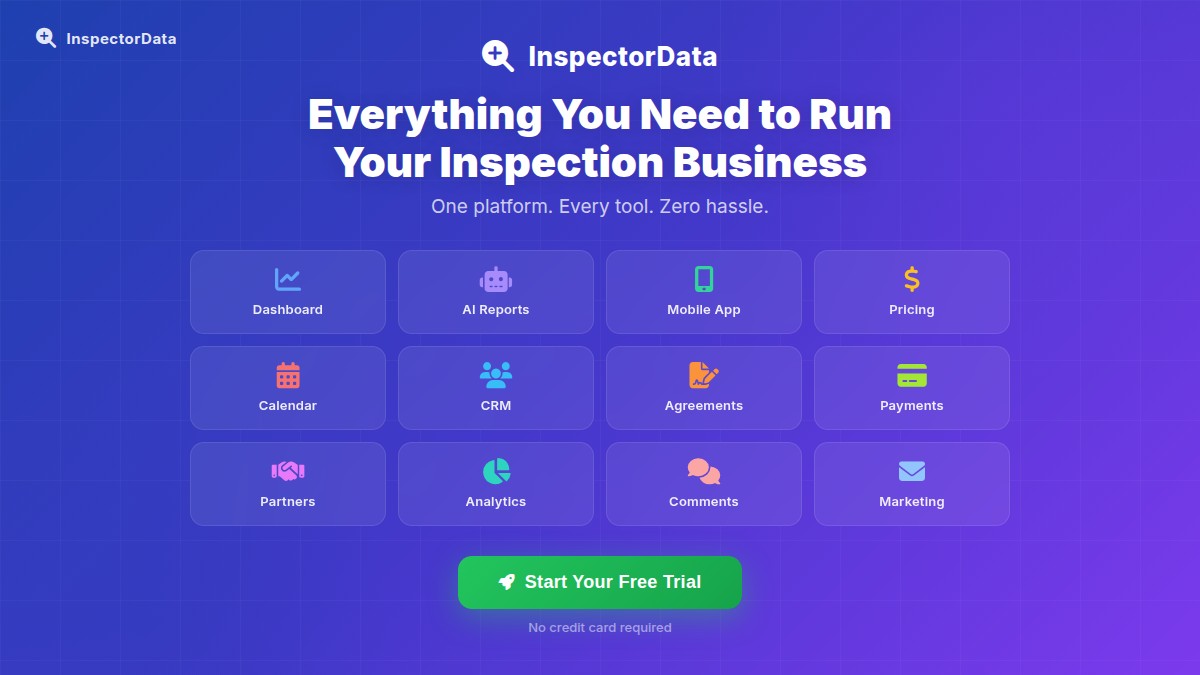
InspectorData is flat-rate and all-in-one: reports, CRM, scheduling, agreements, payments, and AI form-filling for Florida forms (OIR-B1-1802 wind mit, 4-point, RCF-1 roof cert) at $79/month — with additional inspectors at just $54/mo each (vs Spectora's $99), no $4-per-report Advanced upsell, and no 3.95% surcharge stapled onto your client's invoice. What you see is what your team pays. That same five-person shop runs $79 + 4×$54 = $295/month.
Report Writing: Speed and Flexibility
Report writing is where inspectors spend the most time after the inspection itself. If your software slows you down here, you're losing money every single day.
Spectora's Approach
Spectora uses a template-driven system with a structured inspection narrative. It's clean and consistent, and many inspectors appreciate how it standardizes their output. The report builder is touch-friendly and works reasonably well on tablets, and Spectora now layers in AI helpers (Comment Assist and voice/photo Report Assist) that speed up narrative writing — though the full automation suite lives behind the paid Spectora Advanced add-on noted in the pricing section above.
InspectorData's Approach
InspectorData includes a comment library and flexible report templates that let you build reports the way you actually work. The platform also supports AI-assisted photo categorization, which directly reduces the time you spend sorting and labeling images during or after the inspection.
Mobile App: On-Site Experience
This one matters more than most inspectors admit. If the mobile experience is clunky, you end up taking notes on paper and transcribing later — which completely defeats the purpose of using software in the first place.
Spectora Mobile
Spectora has a native mobile app for iOS and Android. It's one of the better-regarded mobile inspection interfaces in the industry. The app is purpose-built for on-site use and integrates tightly with the desktop report builder.
InspectorData Mobile (App Store and Google Play)
InspectorData uses a Native mobile app (App Store and Google Play) — available on the Apple App Store and Google Play, and it also runs in your phone's browser. Download it from the App Store or Google Play, or open it in your phone's browser — either way it runs like an app and updates happen automatically in the background.
Client Booking and Scheduling
For a solo inspector, scheduling is a constant administrative drain. Every phone call or email thread to book an inspection is time you're not getting paid for.
Spectora Scheduling
Spectora includes online scheduling with calendar integration. Clients can book through a Spectora-hosted booking page. It's functional and covers the basics well.
InspectorData Scheduling and Public API
InspectorData includes client self-booking built into the platform. But InspectorData goes a step further with something Spectora doesn't offer: a public API that lets clients book directly from the inspector's own website.
With Spectora, your booking flow lives on Spectora's domain. With InspectorData's public API, you can embed the booking calendar directly into your own website — your domain, your branding, your SEO value.
Service Agreements and Digital Signatures
| Feature | InspectorData | Spectora |
|---|---|---|
| Digital agreements | Yes — built in | Yes — built in |
| Electronic signatures | Yes | Yes |
| Custom agreement templates | Yes | Yes |
| Payment processing integration | Yes — built in | Yes — via integration |
Photo Management and Auto-Categorization
Photos are the biggest time sink in modern inspection reports. A thorough inspection of a 2,500 square foot home might generate 150–300 photos.
InspectorData includes AI-powered photo auto-categorization. The system analyzes your photos and automatically suggests category assignments — roof, electrical, HVAC, plumbing, structural. For solo inspectors, this is one of the highest-value features in the platform.
Public API and Website Integration
InspectorData's public API is designed specifically for inspectors who invest in their own website. It exposes booking and scheduling data in a format that embeds directly into your website. A client visits your site, sees your availability, and books — all without leaving your domain.
Spectora does not offer this capability in the same way. Their booking flow directs clients to a Spectora-hosted page.
Customer Support
Spectora has a larger user base and a more established support infrastructure with documentation, community forums, and a customer success team.
InspectorData is built and maintained by an active inspector. That means you're more likely to get a direct answer from someone who has actually done the job you're doing.
The Verdict: Why InspectorData Wins for Working Inspectors
Spectora is a well-built platform — but it was designed and priced for growing multi-inspector firms, not the solo operator building a business. At $99–$149/month versus InspectorData's $79/month introductory rate, you're paying a significant premium for features most solo inspectors never use.
InspectorData gives you everything that actually matters in the field: AI photo auto-categorization that cuts report time dramatically, a native mobile app on the App Store and Google Play that also works in any browser, client booking embedded directly on your own website via public API, built-in scheduling, digital agreements, and payment processing — all in one platform, built by a working Certified Master Inspector who has done 2,750+ inspections.
Whether you're brand new or switching from Spectora, the free trial at inspectordata.com lets you run a real inspection through the platform before committing. For a deeper look at the differences, see our full InspectorData vs Spectora comparison. Most inspectors know within the first job that it's the right fit.
Stop paying more for less. Try InspectorData free today.