- 1 Why Manual Scheduling Is Killing Your Productivity
- 2 What Good Scheduling Software Should Do Automatically
- 3 Online Client Booking: Let Clients Schedule From Your Website
- 4 Calendar Sync: Google, Outlook, and Mobile
- 5 Handling Multiple Inspectors on One Calendar
- 6 Integration With Quoting and Payment
- 7 How InspectorData Handles Scheduling End-to-End
- 8 What to Ask Before Choosing Scheduling Software
If you're still scheduling home inspections by phone, texting back and forth with clients, and tracking appointments on a spreadsheet or paper calendar, you're not running a business — you're running an obstacle course. Every missed call, every "let me check and get back to you," every double-booking costs you real money and real time. The average busy inspector loses 5 to 10 hours every single week to manual scheduling tasks. That's completely preventable.
Why Manual Scheduling Is Killing Your Productivity
Manual scheduling sounds manageable until you actually count the hours. A single booking often involves multiple phone calls, checking your calendar, confirming with the client, sending a confirmation, setting a reminder, sending the agreement, and chasing a deposit. Multiply that by 15 to 25 inspections a month and you see the problem.
- Phone tag — Clients call when you're on a roof. You call back when they're at work.
- Manual confirmations — Writing and sending confirmation emails one at a time.
- No-show management — Without automated reminders, no-show rates climb.
- Duplicate work — Entering the same client information into multiple places.
What Good Scheduling Software Should Do Automatically
Not all scheduling tools are built the same. General-purpose booking apps like Calendly are designed for coffee meetings, not property inspections. Home inspection scheduling has specific requirements generic tools don't handle.
Core Features That Matter for Inspectors
- Service-specific time blocking — A 1,200 sq ft condo takes two hours. A 4,500 sq ft new construction takes five. Your booking system needs to calculate availability based on actual service type.
- Buffer time between appointments — Drive time, report review, setup. You can't back-to-back inspections without buffers built in automatically.
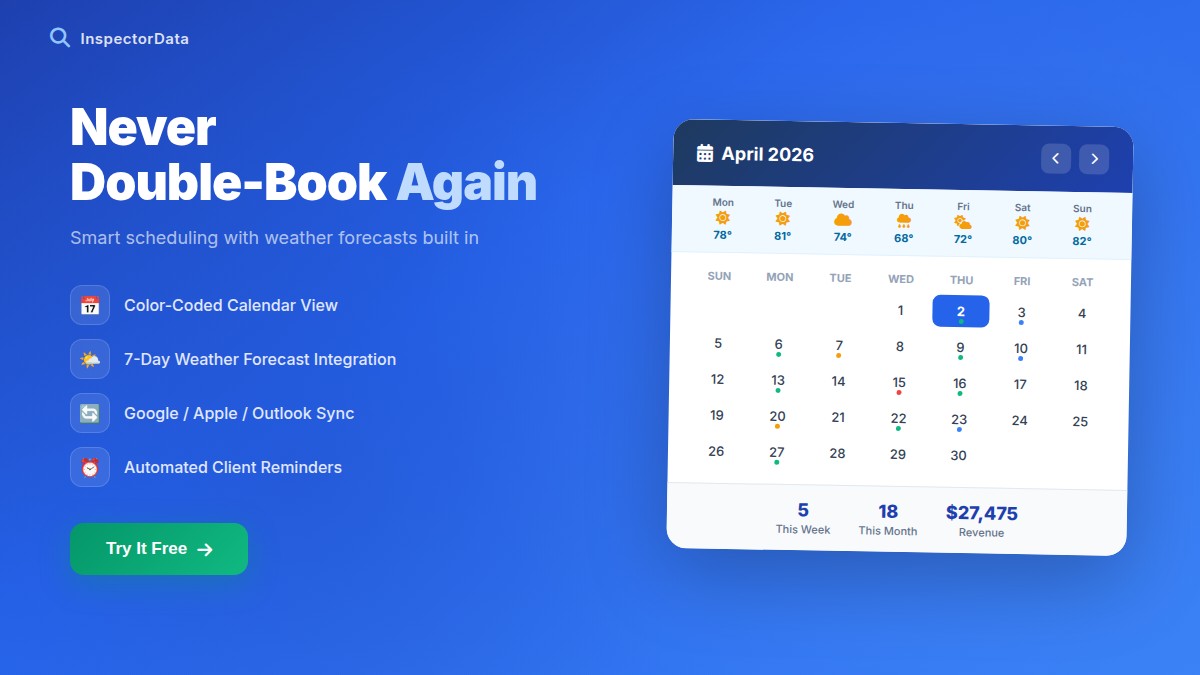
- Automated confirmations and reminders — Email confirmations immediately at booking, plus reminders 24-48 hours before. This alone cuts no-shows dramatically.
- Digital agreement delivery — The pre-inspection agreement goes out automatically after booking.
- Deposit or full payment at booking — Locks in the appointment and eliminates chasing payment later.
Online Client Booking: Let Clients Schedule From Your Website
One of the highest-leverage things you can add is a live booking widget on your own website. Instead of fielding calls and texts, potential clients can see your real availability, pick a time, enter property details, get an instant quote, and book — all at 11pm on a Tuesday while you're asleep.
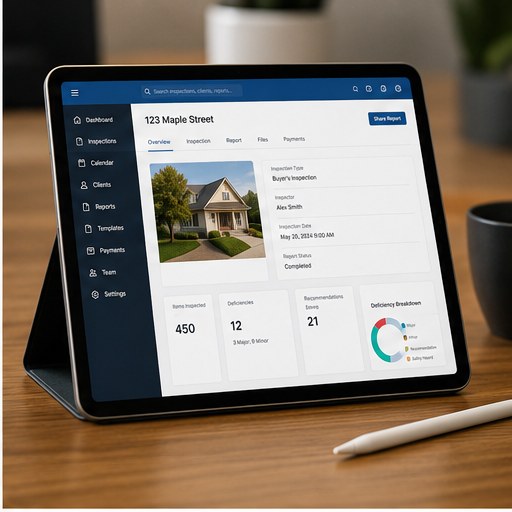
This isn't a luxury feature anymore. Clients expect to book services online the same way they book restaurants and dentists. If your competitor has online booking and you don't, you're losing bookings before you ever get a chance to answer the phone.
What a Good Booking Flow Does
- Client selects service type (buyer's inspection, pre-listing, commercial, etc.)
- Enters property address and size
- System calculates estimated price automatically based on your rate structure
- Client picks an available date and time from your live calendar
- Client signs the pre-inspection agreement electronically
- Client pays deposit or full fee at booking
- Confirmation email fires automatically
Calendar Sync: Google, Outlook, and Mobile
Your business calendar and your personal calendar need to talk to each other. Two-way Google Calendar and Outlook sync is a non-negotiable feature for working inspectors:
- New bookings appear in your Google or Outlook calendar automatically
- Personal events block off your availability
- Cancellations and reschedules sync in both directions
- Mobile access — your schedule visible on your phone at all times
Handling Multiple Inspectors on One Calendar
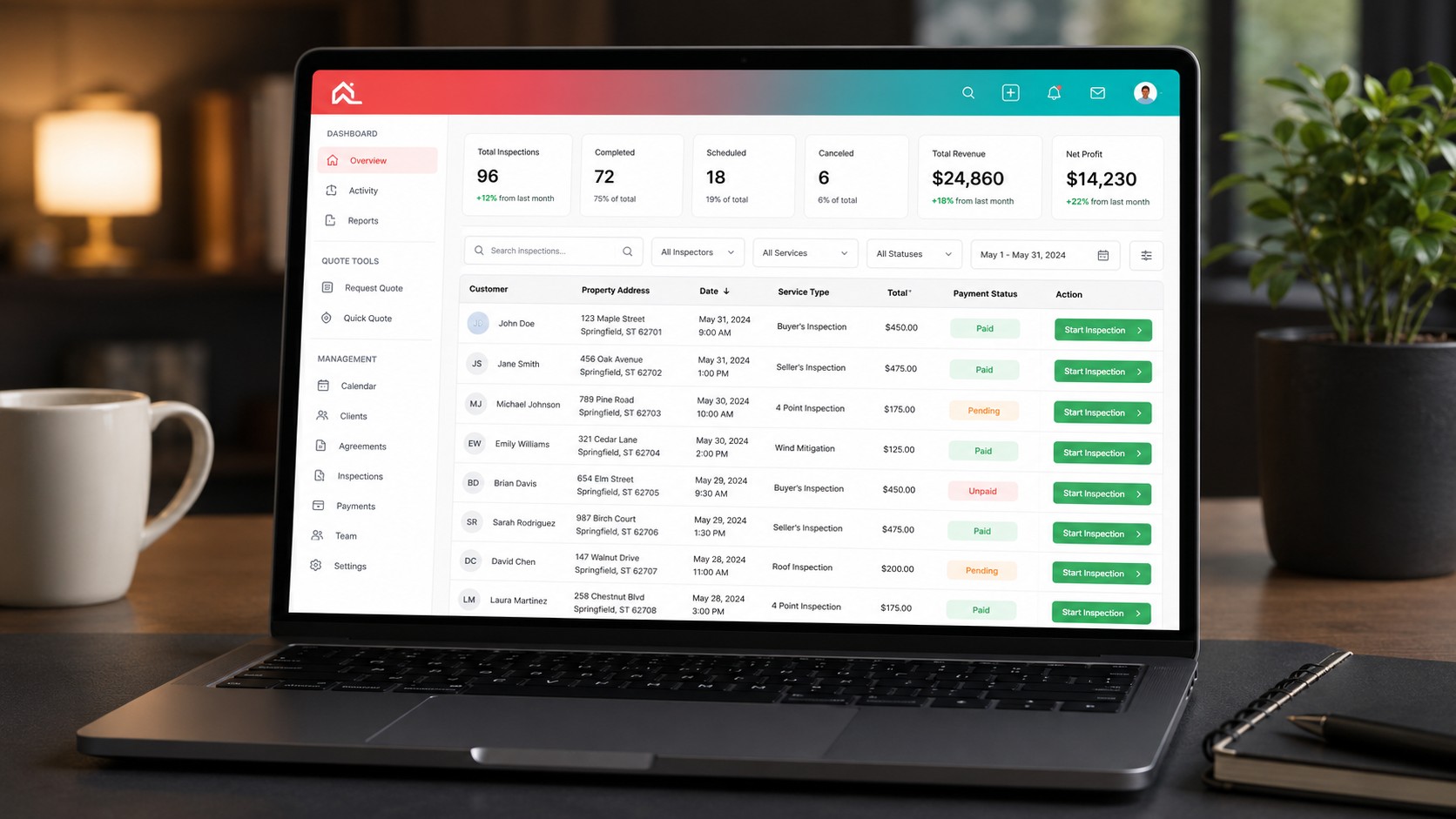
If you run a team — even just you and one part-time inspector — your scheduling software needs to handle multiple calendars. Each inspector has their own availability. Bookings can be assigned to specific inspectors or pulled from a shared pool. The owner can see all inspector calendars in one view.
Integration With Quoting and Payment
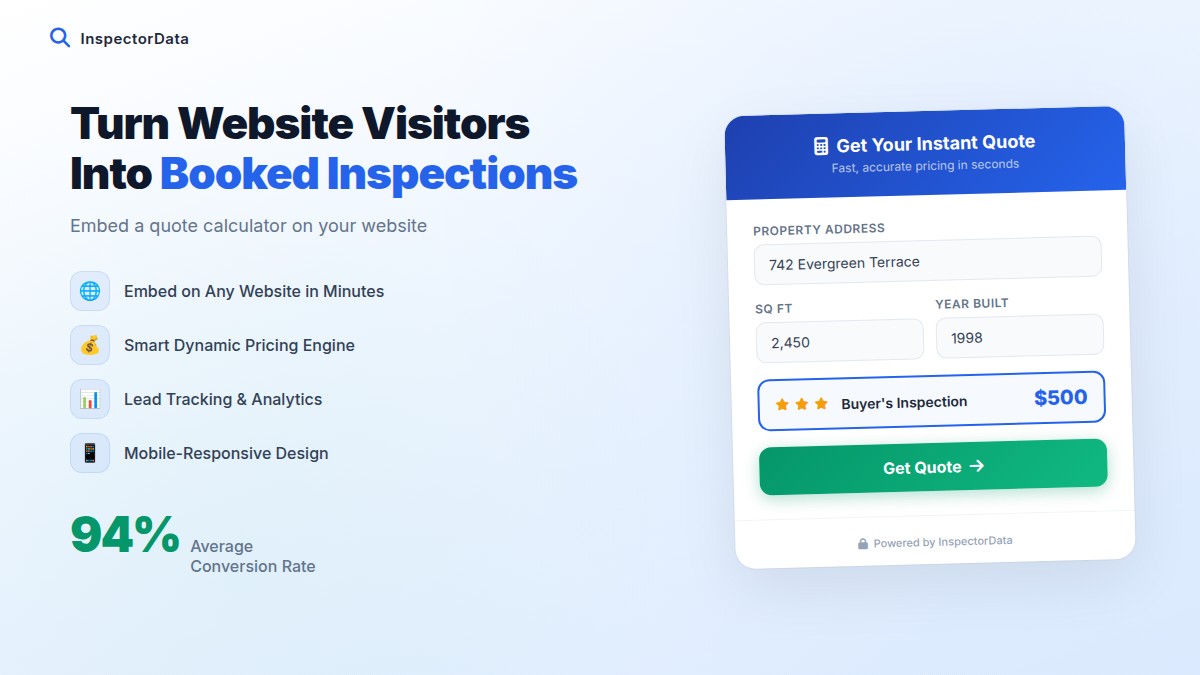
Scheduling and pricing are inseparable. Clients want to know what it costs before they commit to a time. When quoting is integrated with scheduling:
- Client enters property size → price calculates automatically
- Client adds optional services → price updates in real time
- No surprises, no negotiation, no back-and-forth on pricing
- The quoted price flows into the invoice and receipt automatically
Requiring payment at booking eliminates the awkward post-inspection payment conversation. Inspectors who collect payment upfront report significantly fewer no-shows and payment disputes.
How InspectorData Handles Scheduling End-to-End
InspectorData is a complete inspection business management platform built by a Certified Master Inspector with 11 years in the field and over 2,750 inspections completed. At $79/month introductory pricing, scheduling is included as part of the complete platform — not an add-on.
| Feature | Generic Booking Tools | Basic Inspection Software | InspectorData |
|---|---|---|---|
| Client self-booking widget | Yes | Sometimes | Yes — embeds on your website |
| Automatic price quote at booking | No | Rarely | Yes — integrated with rate structure |
| Payment at booking | Yes | Sometimes | Yes — deposit or full payment |
| Auto agreement delivery | No | Sometimes | Yes — sent automatically after booking |
| Google / Outlook calendar sync | Yes | Sometimes | Yes |
| Built by an actual inspector | No | Rarely | Yes — CMI with 2,750+ inspections |
| Monthly cost | $15–$50 (scheduling only) | $80–$200+ | $79/month (full platform) |
InspectorData's public API lets clients book directly from the inspector's own website — not a generic booking page. Your brand, your domain, your SEO value. The moment a booking is confirmed, an email confirmation goes to the client automatically and the appointment lands in your synced calendar.
What to Ask Before Choosing Scheduling Software
- Can clients book directly from my website, or do they go to a separate portal?
- Does the booking flow show pricing automatically?
- What gets sent automatically after a booking — confirmation, agreement, receipt?
- Does it sync with Google Calendar and Outlook — two-way?
- Is scheduling included in the base price or is it a paid add-on?
- Can the platform handle multiple inspectors as I grow?
The right inspection scheduling software doesn't just save you time — it makes your business look more professional, reduces friction for clients, and removes the biggest source of administrative drag from your week. For most inspectors, that's worth more than what the software costs.