New Construction & Phase Inspection Software
Foundation, pre-drywall, final, and 11-month warranty inspections. Stage-specific photo categorization. 30-day free trial.
Start 30-day free trialSee how it works
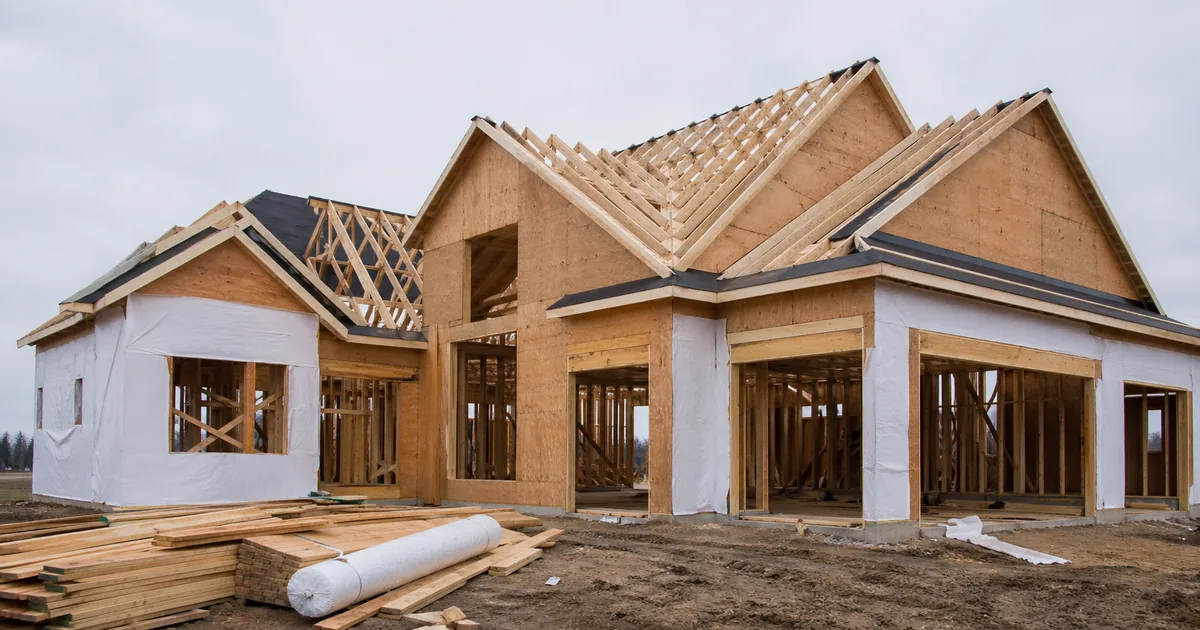
What new construction inspections cover
New construction has four typical inspection stages:
- Foundation — pre-pour or post-pour, footing, rebar placement, waterproofing
- Pre-drywall — framing, plumbing rough, electrical rough, HVAC rough, mechanical, before insulation/drywall
- Final — full home inspection at completion, before closing
- 11-month warranty — done at month 11 of the builder warranty, identifies defects to claim before warranty expires
Each stage has different findings and different language. A foundation finding focuses on rebar spacing and waterproofing. A pre-drywall finding focuses on framing and rough-in. An 11-month warranty finding focuses on settling, doors not closing right, drywall cracks, HVAC performance issues.
A skilled new-build inspector knows the difference. Generic 'home inspection software' often doesn't.
How InspectorData supports phase inspections
Pick the stage. Walk the property and photograph findings. The AI categorizes photos by stage-appropriate context — pre-drywall photos go to framing/plumbing-rough/electrical-rough sections, final photos go to standard home inspection sections.
Comment library covers each stage:
- Foundation-specific (rebar, waterproofing, drainage, footing)
- Pre-drywall-specific (framing, rough plumbing, rough electrical, fire-stopping)
- Final-specific (full home inspection language)
- 11-month warranty-specific (settling, drywall cracks, door alignment, HVAC performance, builder-warrantable items)
Reports format differently per stage — a pre-drywall report is structurally different from a final report.
Builder coordination
Many phase inspections involve a builder coordination step. InspectorData lets you mark items as builder-coordinated, share PDFs directly with builders, and track resolution between phase inspections.
Why new-build inspectors switch software
New-construction inspectors have a specific complaint: their existing software treats every inspection like a resale. The result is reports that flag findings as if they're going to a buyer ("recommend evaluation by qualified contractor") when they should be flagging to the builder ("builder responsibility — please correct before drywall").
InspectorData's phase inspection templates use builder-appropriate language at the right stages, and resale-appropriate language at the right stages. The same inspector can run a Wednesday pre-drywall and a Thursday standard resale and have both reports come out correctly formatted.
Try it free
30-day free trial.. Run real inspections through the platform, get carrier and client feedback, decide based on actual use.
See pricing for full details. For a live walkthrough see demo.
Frequently asked questions
Does it support all four phase inspection stages?
Yes. Foundation, pre-drywall, final, and 11-month warranty are first-class templates.
Can I share reports directly with builders?
Yes. PDFs can be shared with builder email or via a shared link, and you can track which findings were addressed by the time of the next phase.
Does the AI handle pre-drywall photos differently from final photos?
Yes. Photo categorization is stage-aware — a rough plumbing photo gets categorized into rough plumbing on pre-drywall, but into 'plumbing supply' on final.
What about 11-month warranty findings?
Comment library has 11-month-warranty-specific phrasing — settling, drywall cracks, door alignment, HVAC performance, builder-warrantable items language.
Can I do a combined builder + buyer copy?
Yes. Same inspection, two output formats — one for builder coordination, one for the buyer.
Does it integrate with standard resale inspections?
Yes. Same platform, same subscription. An inspector running new-build + resale only manages one tool.
Will builders accept the report format?
Reports use builder-friendly language (specific items, photographs, location) at appropriate phases. Builders use the report to coordinate corrections before the next phase.