

The inspection report is simultaneously your most valuable business asset and your biggest operational bottleneck. The average inspector spends 2–4 hours per report — time that doesn't scale. High-volume inspectors have systematized their report process to deliver in half that time with better results. Here's how they do it.
The Economics of Report Writing
Understanding the cost of inefficient reporting motivates the fix. If you do 200 inspections per year and average 3 hours per report at an opportunity cost of $75/hour, you're spending $45,000 worth of time on reporting annually. Cutting that to 90 minutes saves $22,500 per year — or allows you to do 66 additional inspections in the same hours.
| Report Time | Annual Reports | Hours on Reporting | Time Available for Other Work |
|---|---|---|---|
| 3 hours/report | 200 | 600 hours/year | Baseline |
| 2 hours/report | 200 | 400 hours/year | 200 hours freed |
| 90 min/report | 200 | 300 hours/year | 300 hours freed |
| 60 min/report | 200 | 200 hours/year | 400 hours freed |
Those freed hours translate directly to revenue, work-life balance, or capacity for more inspections. Efficiency in reporting is one of the highest-leverage improvements you can make to your business.
Efficiency Starts in the Field
Most report time inefficiency is actually a data collection problem, not a writing problem. If you leave the field with disorganized notes, missing photos, or unclear voice memos, report writing is slow because you're piecing together incomplete information.
The Systematic Inspection Route
Always inspect in the same order. Every house, every time: exterior → roof → garage → basement/crawlspace → mechanicals → interior rooms (roof to foundation flow within each area). A consistent route means you never miss sections, your photos are automatically organized, and your mental processing is automatic rather than deliberate.
Capture Data in Report Format While Inspecting
If your software allows field entry, enter defects into your report template during the inspection rather than in notes you'll transcribe later. With a tablet or phone, you can select the defect category, enter a description, attach a photo, and rate severity in 30 seconds per item — all while walking through the home.
Voice-to-Text for Descriptions
Voice-to-text (using your phone's built-in tool or apps like Dragon Dictation) lets you describe defects at 150–200 words per minute while your hands hold your flashlight and camera. Many inspectors cut report time by 30–45 minutes simply by dictating descriptions in the field rather than typing them later.
Master Templates and Comment Libraries
The single most impactful efficiency tool is a robust comment library. Most defects you find are common — you describe the same 200 issues repeatedly across hundreds of inspections. A library of pre-written, professionally worded comments means you select rather than write, cutting report time dramatically.
Building Your Comment Library
Start by categorizing your most common findings:
- Roof defects (missing shingles, damaged flashing, improper installation)
- Electrical (double-tapped breakers, ungrounded outlets, missing GFCI)
- Plumbing (active leaks, slow drains, improper slopes)
- HVAC (filter condition, age, maintenance needs)
- Structural (foundation cracks, settlement, deflection)
- Safety items (missing handrails, smoke detector locations)
For each category, write 3–5 comment variations: a simple defect, a moderate defect, and a severe defect. Include the defect description, implication, and recommended action. Once built, your library lets you write a complete finding in seconds by selecting the closest pre-written comment and editing for specific measurements or conditions.
Using an AI-Assisted Report Tool
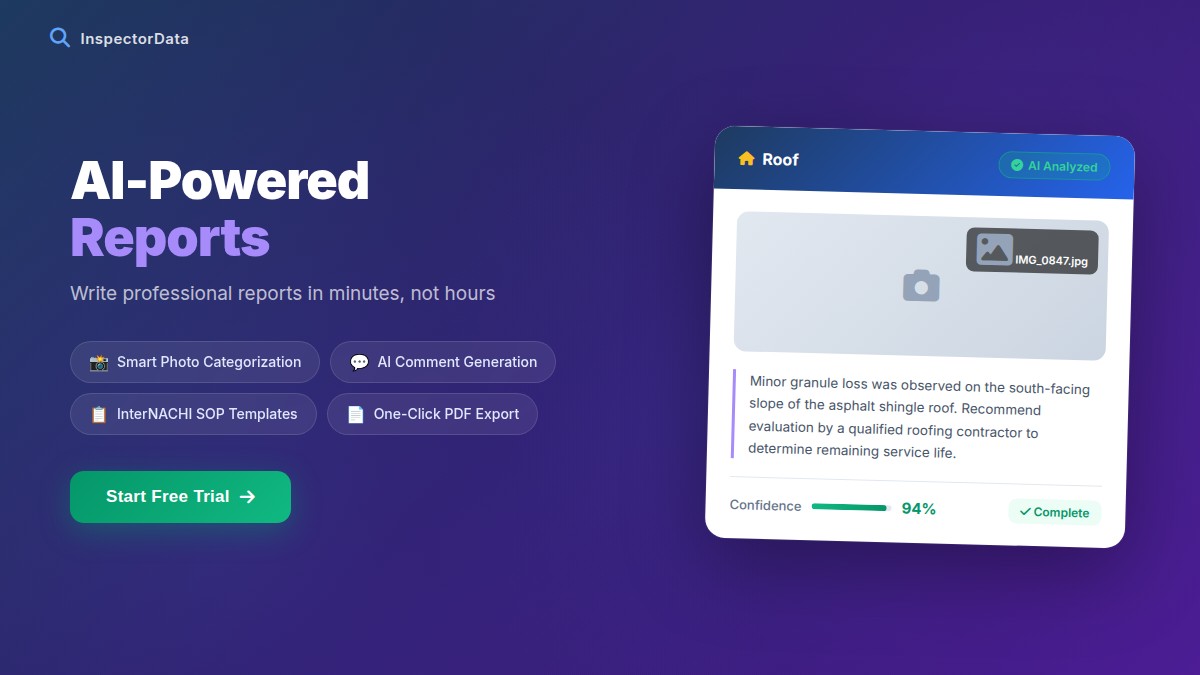
Some modern inspection platforms use AI-powered inspection software to suggest comments based on your photo and notes, or auto-generate professional descriptions from voice notes. These tools can dramatically reduce report writing time while maintaining professional quality. Evaluate any AI tool carefully for accuracy before trusting it with client-facing content.
Report Structure That Saves Time
How you structure your report affects how long it takes to write — and how much value buyers and agents get from it. A clear, consistent structure means you never wonder "where does this go?" during writing.
Executive Summary First
Lead with a 1-page executive summary covering: major concerns (repair cost >$500), safety concerns, and recommended further evaluations. Writing this summary forces you to organize findings by priority, and it's the section agents and buyers reference most. It actually saves writing time by creating a clear hierarchy before you write the detailed section.
Standard Section Order
Maintain the same section order in every report:
- Executive Summary
- Property Information
- Exterior (site, grounds, exterior cladding)
- Roofing (materials, drainage, flashing)
- Structural (foundation, framing visible components)
- Electrical
- Plumbing
- HVAC
- Interior (room-by-room)
- Attic
- Garage
- Additional Structures
Speed Strategies Used by High-Volume Inspectors
| Strategy | Time Saved | Implementation Difficulty |
|---|---|---|
| Comment library (500+ comments) | 45–90 min/report | Medium (one-time build) |
| Field data entry during inspection | 30–60 min/report | Low (habit change) |
| Voice-to-text descriptions | 20–40 min/report | Low (learn tool) |
| Standard template structure | 15–30 min/report | Very low |
| Auto-populate property info | 10–20 min/report | Low (software feature) |
| Batch photo editing/upload | 10–15 min/report | Low |
The 90-Minute Report Protocol
High-volume inspectors who deliver reports in 90 minutes or less follow this discipline:
- First 30 minutes: Upload and organize photos while driving home or eating lunch (auto-organized by timestamp if taken systematically)
- Next 45 minutes: Work through the report template systematically, selecting comments from library, adding photos, marking severity ratings
- Final 15 minutes: Write executive summary, proofread, attach invoices, send
Delivery Standards That Generate Referrals
Speed of delivery is itself a competitive differentiator. Agents often decide on their go-to inspector based partly on how fast reports arrive — a slow report can derail a deal timeline.
| Delivery Speed | Agent/Buyer Perception | Referral Impact |
|---|---|---|
| Same day (within 4–6 hours) | Exceptional | Very high |
| Next morning | Very good | High |
| Within 24 hours | Standard/acceptable | Neutral |
| 24–48 hours | Slow | Negative |
| 48+ hours | Unacceptable | Very negative |
The inspectors agents refer most frequently are almost universally same-day or next-morning deliverers. It's not just about speed for its own sake — it signals professionalism, respect for the client's time, and operational competence.
Choosing the Right Report Software
Your reporting software either accelerates or impedes every strategy in this article. Evaluate tools against these criteria:
- Mobile field entry: Can you enter findings on a phone or tablet during the inspection?
- Comment library: Robust, customizable library with search functionality?
- Photo integration: Seamless photo attachment to specific findings?
- Professional output: Does the report look polished and professional without manual formatting?
- Delivery system: Can clients and agents access reports via a professional link, not just an email attachment?
- Client management: Does it integrate with booking, invoicing, and client communication?
Streamlined reporting is a compounding investment. Build your comment library once, refine it over hundreds of inspections, and your report time decreases every year as the library grows. Combined with field entry habits and a clear template structure, you can reclaim hundreds of hours annually — hours you can invest in more inspections, better marketing, or simply enjoying your life outside work.
Streamline Your Entire Inspection Operation
InspectorData integrates report writing, client management, scheduling, and invoicing in one platform — eliminating the friction that slows most inspectors down. See how much time you can save.
Try InspectorData Free for 30 Days